Tenant Portal
Pay rent, submit maintenance requests, and communicate with property management
Accessing Your Portal
First Time Login
- You'll receive an email invitation from your property manager with a link to activate your account
- Click the link in the email
- Set your password (minimum 8 characters)
- Click "Activate Account"
- You'll be automatically logged into your tenant portal
Your Portal URL: Your property management company will provide you with a unique URL (e.g., sunsetproperties.tennexapp.com)
Logging In
- Visit your property's Tennex portal URL
- Enter your email and password
- Click "Login"
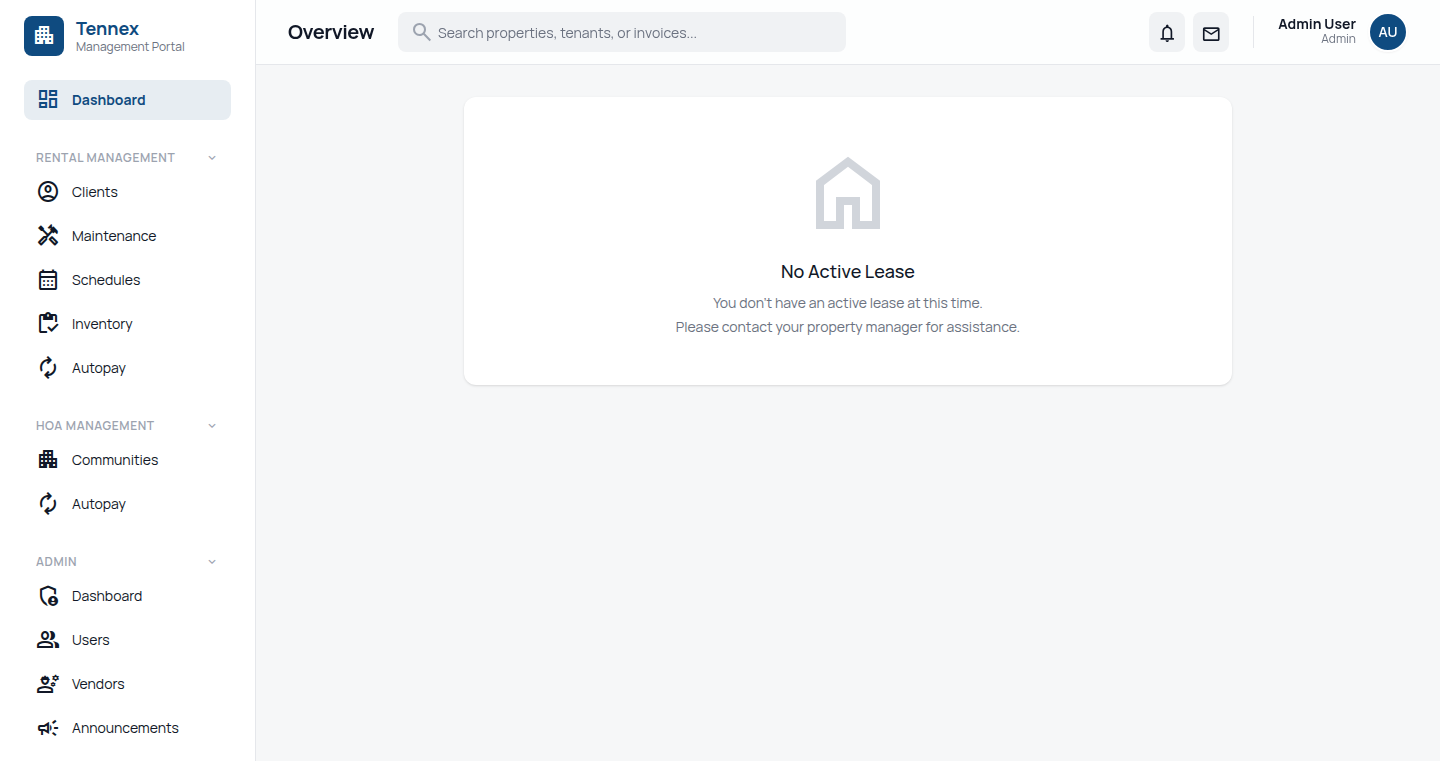
Dashboard Overview
Your dashboard shows:
- Next Rent Payment: Due date and amount
- Recent Payments: Your payment history
- Active Maintenance Requests: Status of any open issues
- Recent Announcements: Messages from property management
- Lease Details: Your lease term and renewal date
Paying Rent
One-Time Payment
- Click "Payments" in the sidebar
- Click "Pay Rent" button
- Select payment method:
- ACH (Bank Transfer): 1% fee (max $6)
- Credit/Debit Card: 3.5% fee
- Enter payment details
- Review and confirm
- You'll receive an email confirmation immediately
Setting Up Autopay
- Go to Payments → Payment Methods
- Click "Add Payment Method"
- Enter your bank account or card details
- Check "Set as Autopay"
- Select payment date (e.g., 1st of each month)
- Click "Save"
Autopay Benefits:
- ✅ Never miss a payment
- ✅ Avoid late fees
- ✅ Automatic monthly charges
- ✅ Email confirmation for each payment
Viewing Payment History
- Click "Payments" in the sidebar
- View all past payments with dates, amounts, and status
- Click any payment to view receipt
- Download receipt as PDF
Submitting Maintenance Requests
Create a New Request
- Click "Maintenance" in the sidebar
- Click "Submit Request"
- Fill in the form:
- Title: Brief description (e.g., "Leaking kitchen faucet")
- Category: Plumbing, Electrical, HVAC, Appliance, etc.
- Priority: Low, Medium, High, Emergency
- Description: Detailed explanation of the issue
- Photos: Upload up to 5 photos (optional but helpful)
- Click "Submit Request"
Emergency Issues: For emergencies after hours (flooding, gas leak, no heat in winter), call your property manager's emergency line listed in your lease.
Tracking Request Status
Your maintenance request will go through these statuses:
- Submitted: Request received by property management
- In Progress: Being reviewed or vendor is assigned
- Scheduled: Repair appointment scheduled (you'll see date/time)
- Completed: Issue resolved
You'll receive email notifications for each status change.
Viewing Documents
Accessing Your Documents
- Click "Documents" in the sidebar
- You'll see:
- Lease Agreement: Your signed lease
- Move-In Inspection: Property condition report
- Notices: Any official notices from property management
- Receipts: Payment receipts
- Click any document to view
- Download PDF copies for your records
Managing Your Profile
Update Contact Information
- Click your name in the top right
- Select "Profile"
- Update:
- Name
- Phone number
- Emergency contact
- Click "Save Changes"
Change Password
- Go to Profile → Security
- Enter current password
- Enter new password (minimum 8 characters)
- Confirm new password
- Click "Update Password"
Questions? Contact your property manager through the portal's messaging feature or use the contact information provided in your lease.
Common Questions
Can I pay rent with multiple payment methods?
Currently, each rent payment must use a single payment method. However, you can split payments manually by making partial payments.
How do I know if my rent payment went through?
You'll receive an immediate email confirmation. The payment will also appear in your Payment History within the portal.
Can roommates each have their own login?
Yes! Ask your property manager to send invitations to all lease holders. Each person will have their own login and can make payments independently.
What if I'm locked out of my account?
Click "Forgot Password" on the login page. You'll receive a password reset link via email. If you don't receive it, check your spam folder or contact your property manager.