Payments
Collect rent, process payments, and track financial transactions
Tenant Payment (Tenant View)
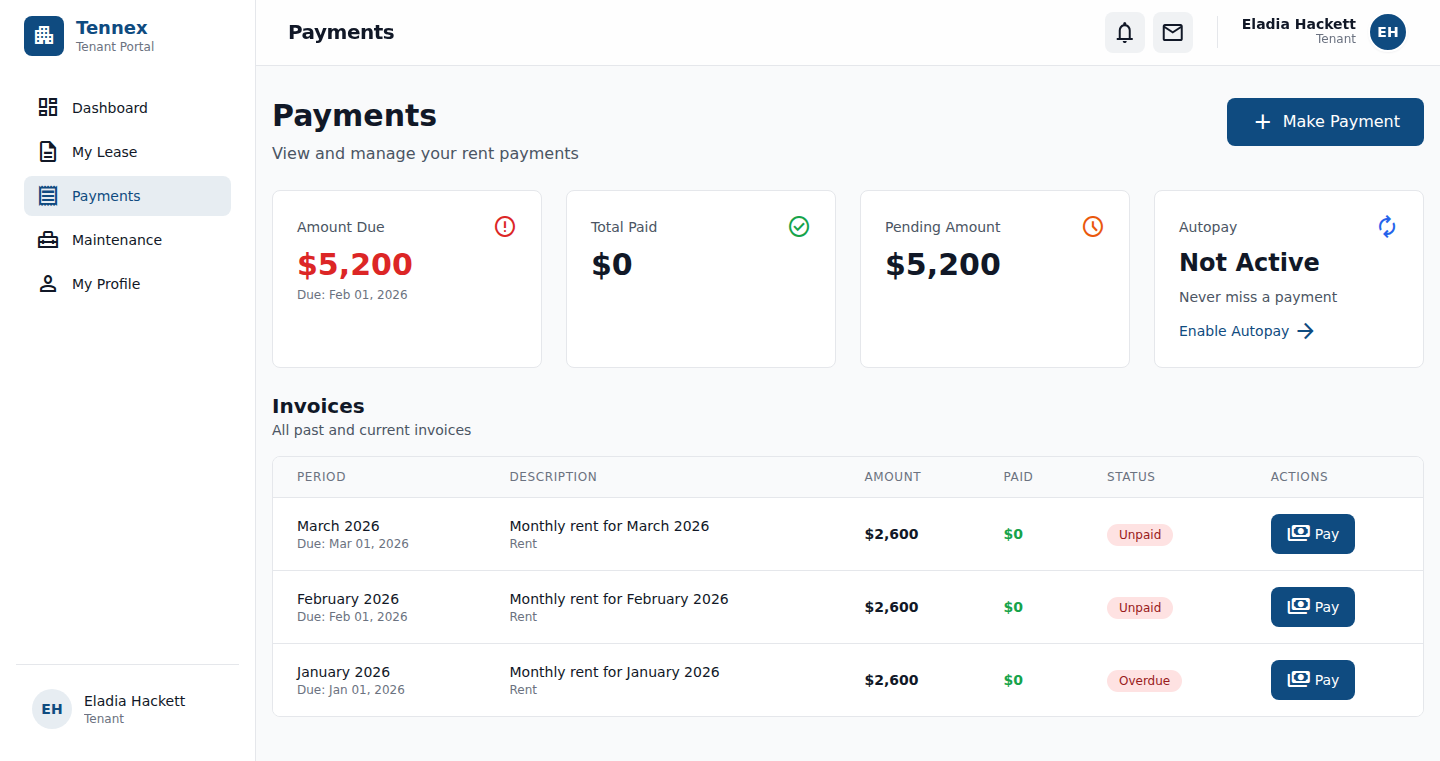
Steps for Tenants
- Login to tenant portal at your organization's subdomain
- View dashboard with current balance and due date
- Click "Pay Rent" or "Make Payment"
- Confirm payment amount (or enter partial payment amount)
- Select payment method:
- Credit/Debit Card (via Stripe)
- Bank Transfer (ACH)
- Enter payment details (if first time)
- Click "Submit Payment"
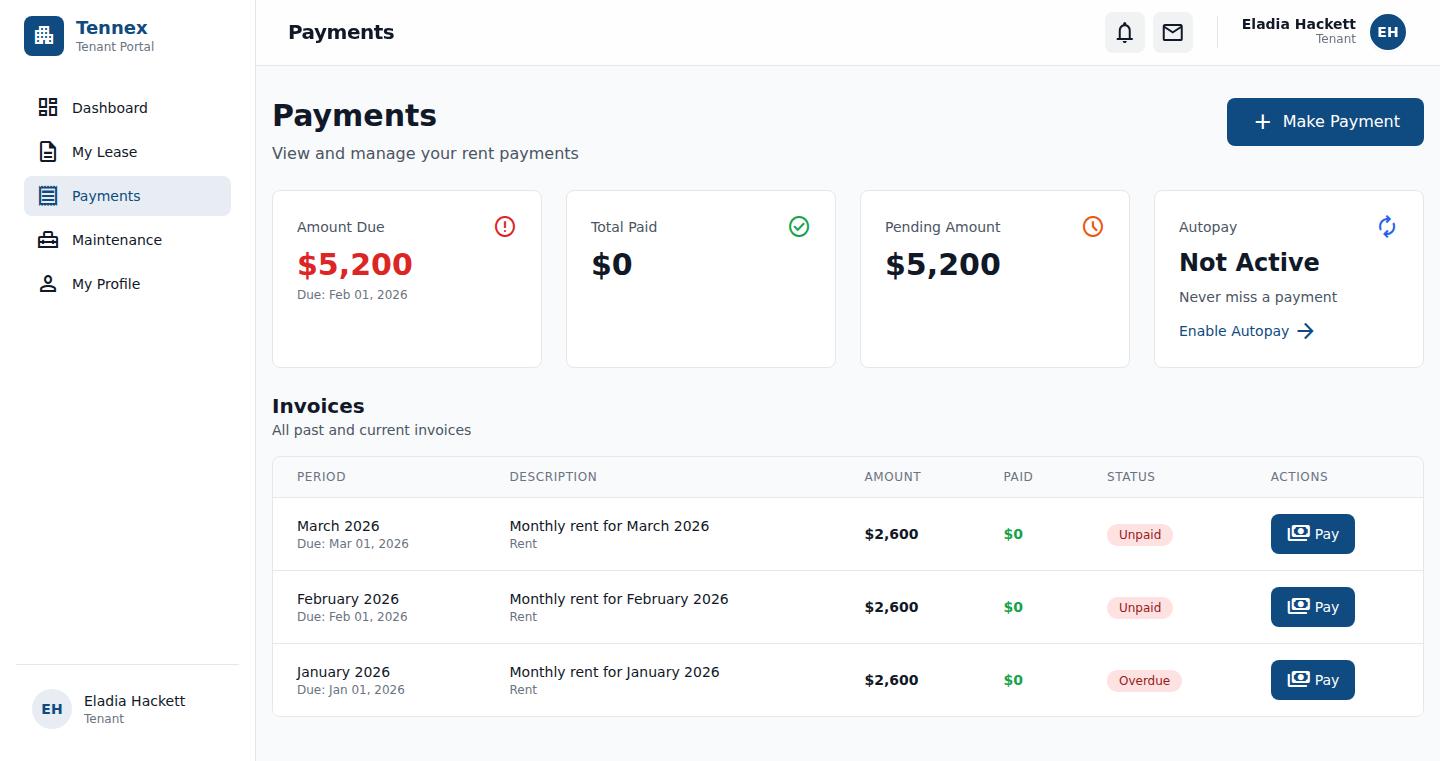
After Payment:
- ✅ Confirmation email sent to tenant
- ✅ Balance updated immediately
- ✅ Receipt available for download
- ✅ Property manager notified of payment
Record Payment (Manager View)
For payments made outside the system (cash, check, etc.):
Steps
- Go to "Payments" in navigation
- Click "Record Payment"
- Select the tenant/lease
- Enter payment details:
- Amount: Payment amount
- Date: When payment was received
- Method: Cash, Check, Money Order, Other
- Reference: Check number or reference ID
- Notes: Any additional notes
- Click "Record Payment"
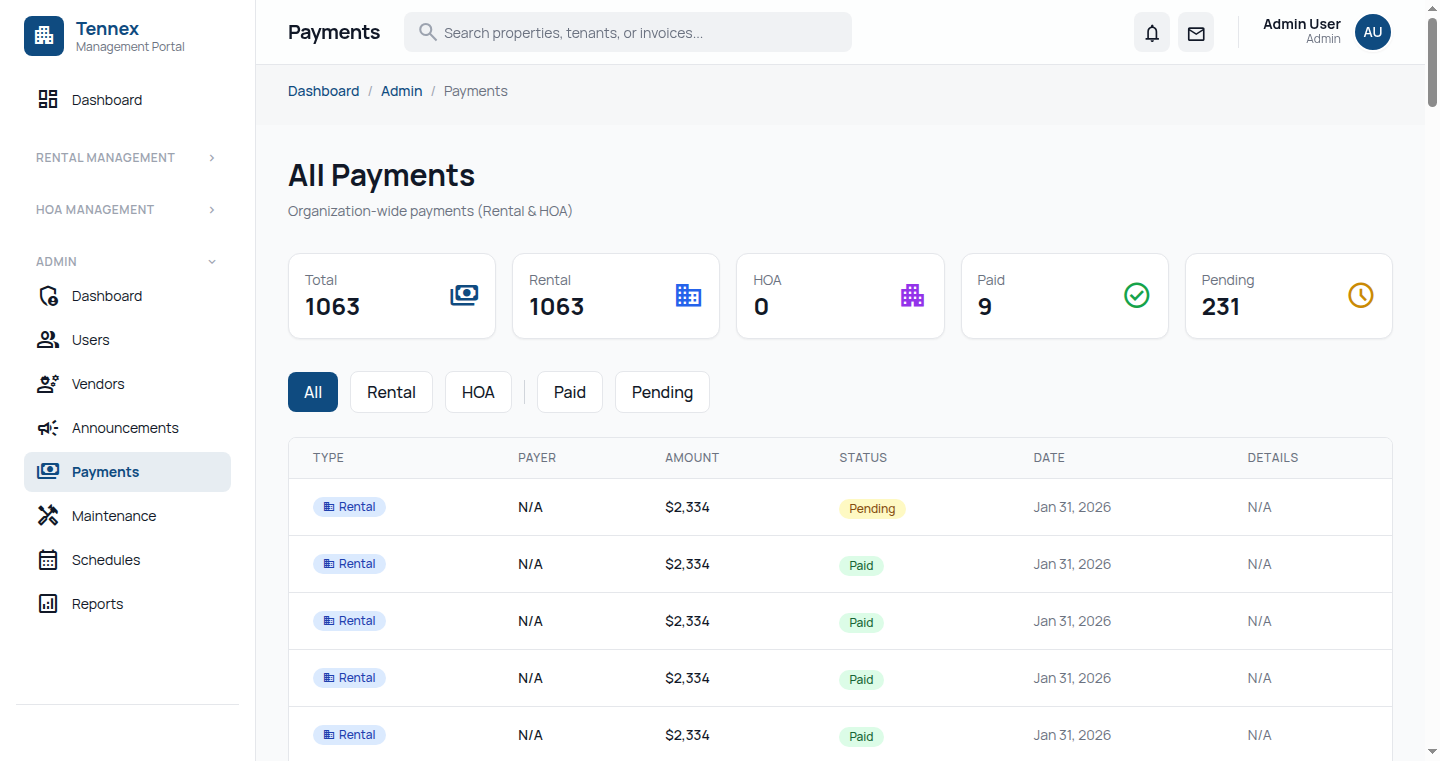
Tip: Use this for recording payments made in person, by mail, or through other payment services not integrated with Tennex.
View & Manage Invoices
View Invoices
- Go to "Payments" → "Invoices"
- Filter by status: All, Unpaid, Paid, Overdue
- Filter by property or tenant
Invoice Status
| Status | Description |
|---|---|
| Draft | Not yet sent to tenant |
| Sent | Sent to tenant, awaiting payment |
| Paid | Fully paid |
| Partial | Partially paid, balance remaining |
| Overdue | Past due date, unpaid |
Create One-Time Invoice
For non-recurring charges (repairs, fees, etc.):
- Click "Create Invoice"
- Select tenant/lease
- Add line items (description, amount)
- Set due date
- Click "Create & Send"
Payment Methods & Settings
Supported Payment Methods
- Credit/Debit Card: Visa, Mastercard, American Express
- ACH Bank Transfer: Direct bank payments (lower fees)
- Manual Recording: Cash, Check, Money Order
Configure Payment Settings
- Go to "Settings" → "Payments"
- Connect/configure Stripe account
- Set default payment options
- Configure late fee rules:
- Grace period (days)
- Late fee amount (flat or percentage)
- Maximum late fee
View Payment History
- Go to "Payments" → "History"
- View all payments with filters
- Export to CSV for accounting
Next Step: Handle maintenance requests →