Getting Started
Sign up, login, and navigate your Tennex dashboard
Sign Up (Create Your Organization)
What You'll Need
- Organization name
- Unique subdomain (e.g., "sunsetproperties" → sunsetproperties.tennexapp.com)
- Your name and email
- Password (minimum 8 characters)
Steps
- Visit www.tennexapp.com
- Click "Sign Up" or "Get Started"
- Fill in the signup form:
- Organization Name: Your company name (e.g., "Sunset Property Management")
- Subdomain: Your unique URL prefix (letters, numbers, hyphens only).
This will be your dedicated address: yoursubdomain.tennexapp.com - Your Name: First and last name
- Email: Your business email
- Password: Create a secure password
- Click "Create Organization"
- You'll be automatically logged in as the Organization Admin
What Happens Next:
- ✅ Your organization is created with a 30-day free trial
- ✅ You're assigned as the Admin (full access)
- ✅ A welcome email is sent to your inbox
- ✅ You can start setting up properties and inviting team members
Your Unique URL:
You'll always access your account at: yoursubdomain.tennexapp.com
Example: sunset.tennexapp.com
Login
Steps
- Go to your organization's subdomain (e.g., sunset.tennexapp.com)
- Enter your email and password
- Click "Sign In"
Forgot Password?
- Click "Forgot Password?" on the login page
- Enter your email
- Check your email for reset instructions
- Click the reset link and create a new password
Dashboard Overview
After logging in, you'll see your personalized dashboard with relevant information based on your role.
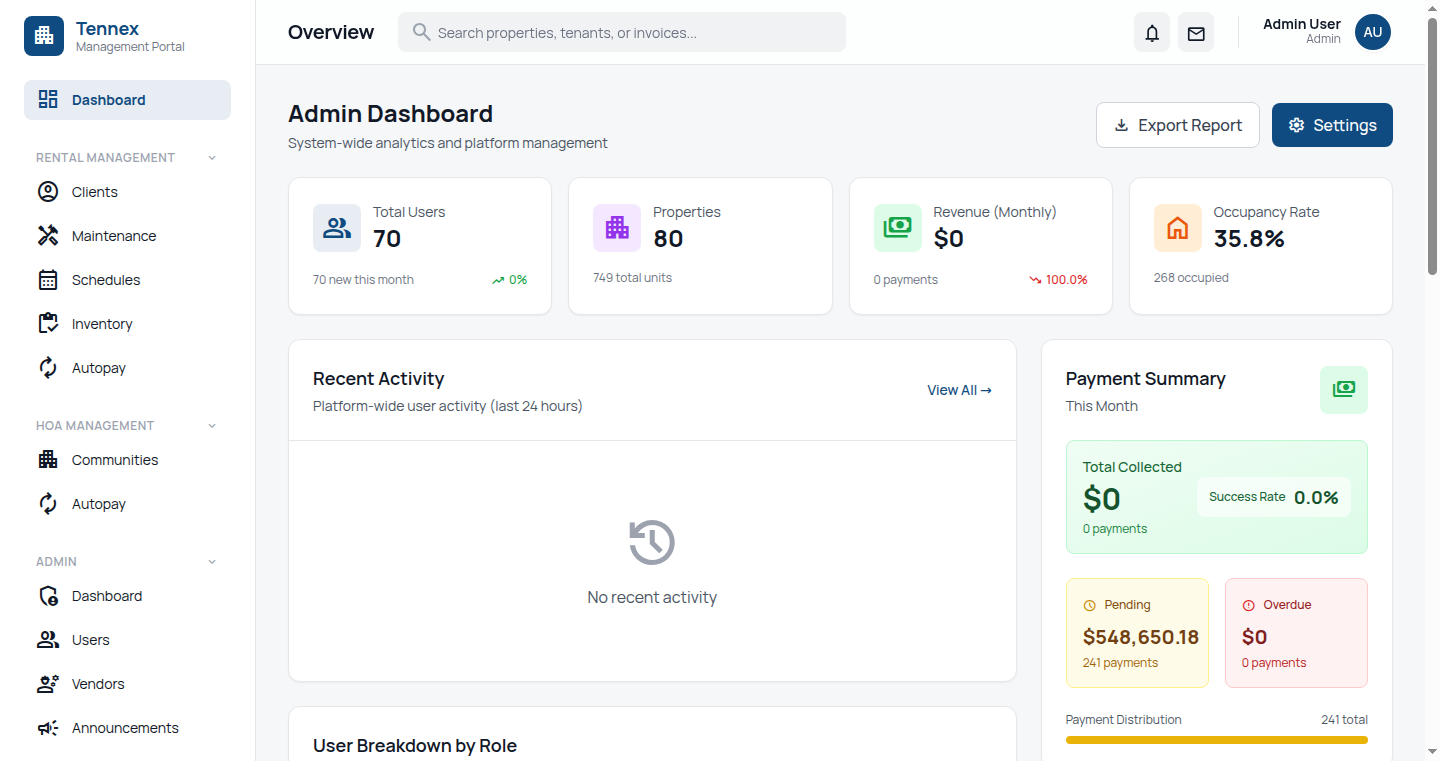
Admin/Property Manager View
- Quick Stats: Total properties, units, active leases, maintenance requests
- Recent Activity: Latest updates across your organization
- Upcoming Tasks: Lease renewals, pending requests, scheduled events
- Financial Summary: Rent collection status, outstanding payments
- Quick Actions: Add property, invite user, create maintenance request
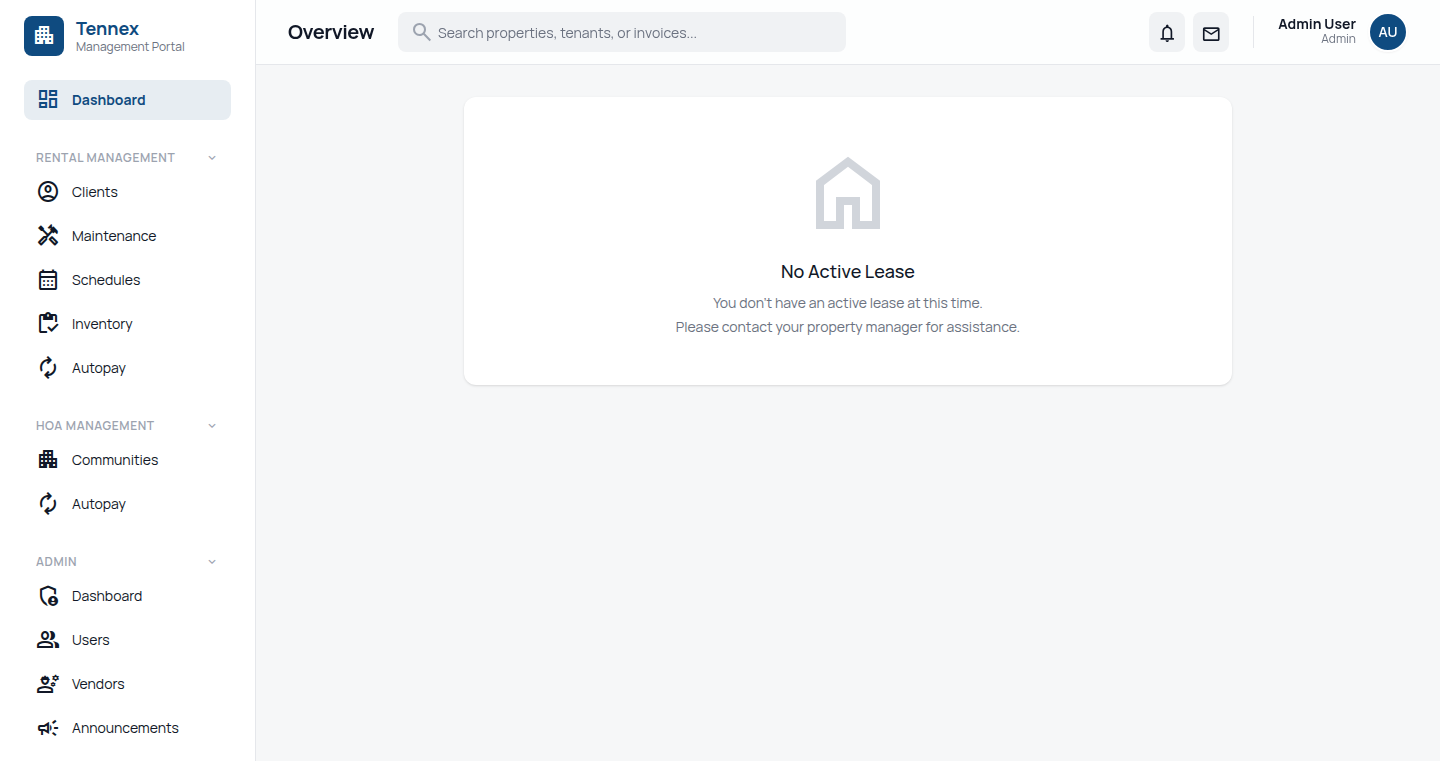
Tenant View
- Lease Information: Rent amount, due date, lease end date
- Payment Status: Outstanding balance, payment history
- Maintenance Requests: Current requests and status
- HOA Information: Votes, documents, announcements (if applicable)
- Quick Actions: Pay rent, submit maintenance request, view documents
Next Step: Set up your organization →