Communications
Send announcements, messages, and notifications to tenants and members
Announcements
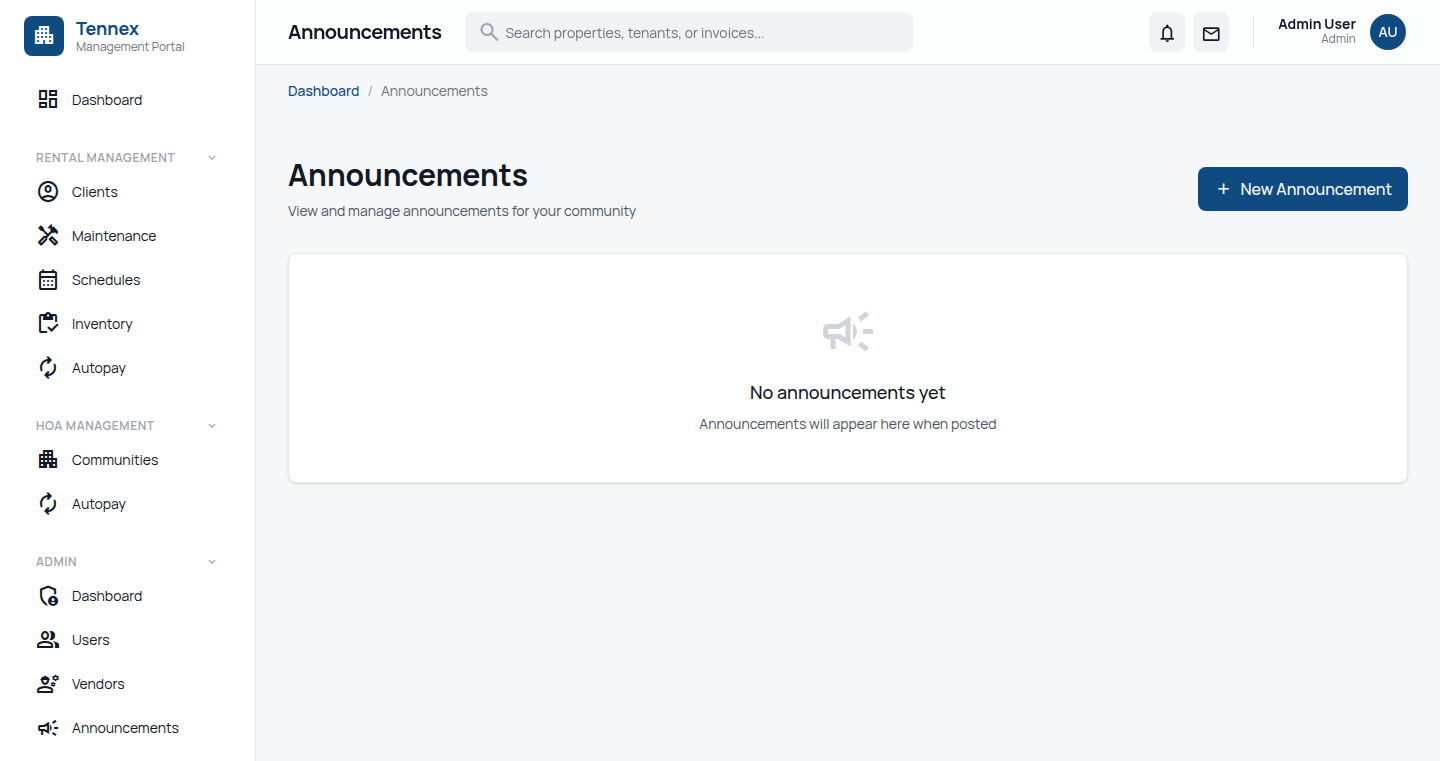
Create Announcement (Admin/Manager)
- Go to "Announcements" in the sidebar (under Rental Management)
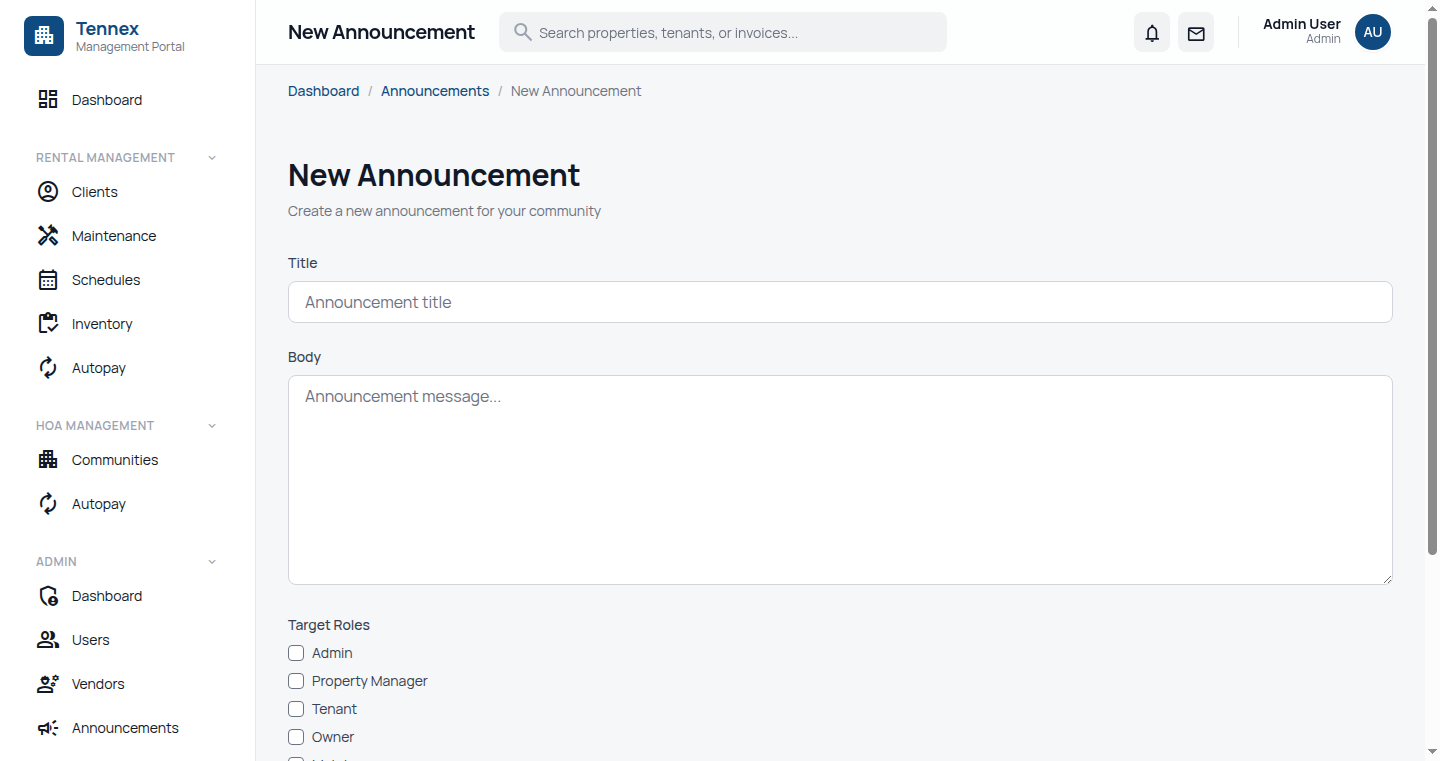
- Click "New Announcement"
- Fill in details:
- Title: Clear, descriptive headline
- Message: Full announcement text
- Audience: All tenants, Specific property, Specific unit types
- Priority: Normal, Important, Urgent
- Attachments: Upload relevant documents (optional)
- Choose delivery options:
- In-App: Shows in tenant portal (always on)
- Email: Send email notification
- SMS: Send text message (for urgent items)
- Click "Send Announcement" or "Schedule"
Common Announcement Types:
- Scheduled maintenance (water shutoff, repairs)
- Community events
- Policy updates
- Weather alerts
- Holiday office closures
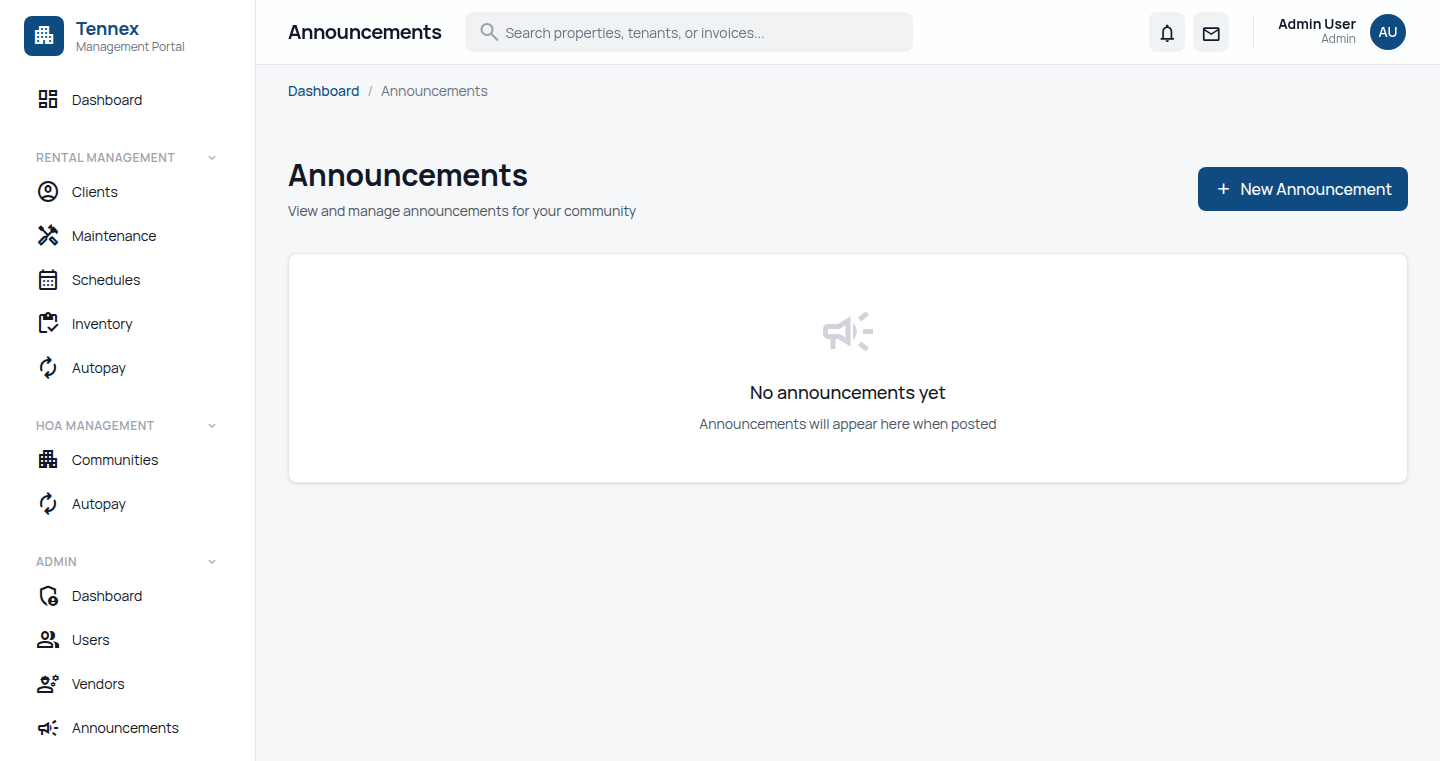
View Announcements (Tenant)
- Login to tenant portal
- Announcements appear on dashboard
- Click to view full details
- Access archive via "Announcements" menu
Direct Messages
Send Message to Tenant (Manager)
- Go to tenant's profile or lease page
- Click "Send Message"
- Compose message
- Attach files if needed
- Click "Send"
Send Message to Manager (Tenant)
- Go to "Messages" in tenant portal
- Click "New Message"
- Compose message
- Click "Send"
Message Threads
- All messages are organized in conversation threads
- Full history preserved
- Email notifications for new messages
- Related to: lease, maintenance request, or general
Notification Settings
Configure Notifications (Admin)
- Go to "Settings" → "Notifications"
- Configure automatic notifications:
- Rent Reminders: Days before due date
- Late Notices: Days after due date
- Lease Expiry: Days before lease ends
- Maintenance Updates: Status change notifications
- Set delivery methods (email, SMS, in-app)
- Click "Save Settings"
User Notification Preferences
Users can manage their own preferences:
- Go to "Profile" → "Notifications"
- Toggle notification types on/off
- Choose preferred delivery method
Automatic Notifications
| Event | Default Timing |
|---|---|
| Rent Reminder | 3 days before due date |
| Rent Due | On due date |
| Late Notice | 1 day after due (+ daily) |
| Lease Expiry Warning | 60 days before end |
| Maintenance Created | Immediately |
| Maintenance Updated | On status change |
| Payment Received | Immediately |
Next Step: Explore reports and analytics →